
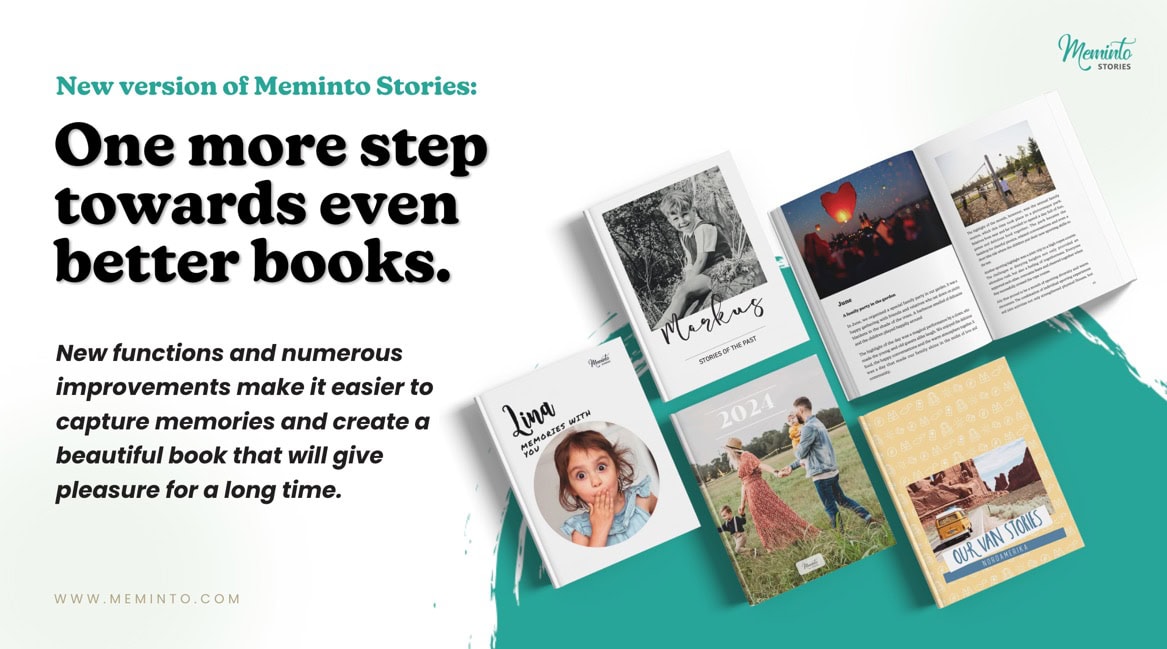



We’re starting the new year and have prepared some great improvements for you!
✏️ New: Edit texts directly from the preview
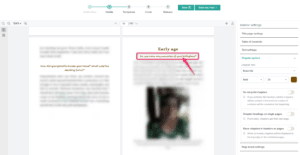
From now on, you can edit text directly from preview mode (Layout & Print, Step 2) . The headings are now linked – and these links take you directly to the correct location in the editor, which opens in a new tab when you click on them.
This means less searching, fewer clicks, and faster corrections – right where you see them. To regenerate the entire PDF, save the full preview again.
🤝 New: Assistant mode – create a book together
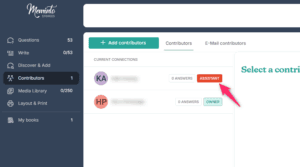
The new assistant mode is aimed at people who want to accompany someone else while they write – for example, children who have given Meminto to their parents.
Assistants can:
- Preparing and structuring interviews
- Writing texts on behalf of the author
- Revise and organize content
- Place images and prepare the book
They act like ghostwriters , handling everything on behalf of the author . Important:
Assistants do not appear as contributors in the book. The story belongs entirely to the author.
In this way, Meminto becomes a joint project – personal, supportive and across generations.
📦 New: Download media files with one click
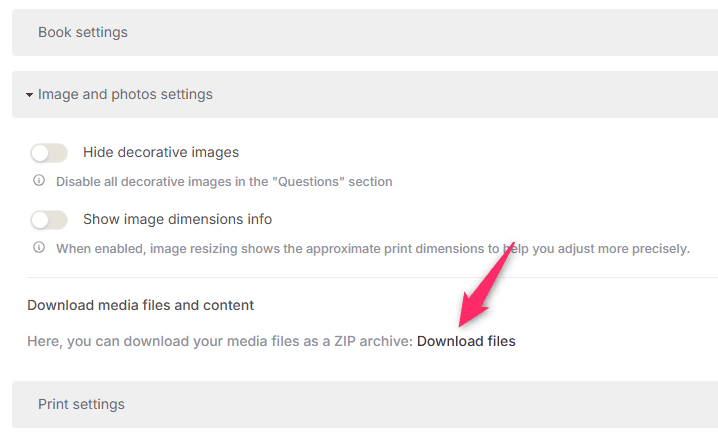
In the book settings, you can now download all uploaded media files with one click .
This means that photos, audio files, and videos are available to you in a clear and organized way, even outside of Meminto.
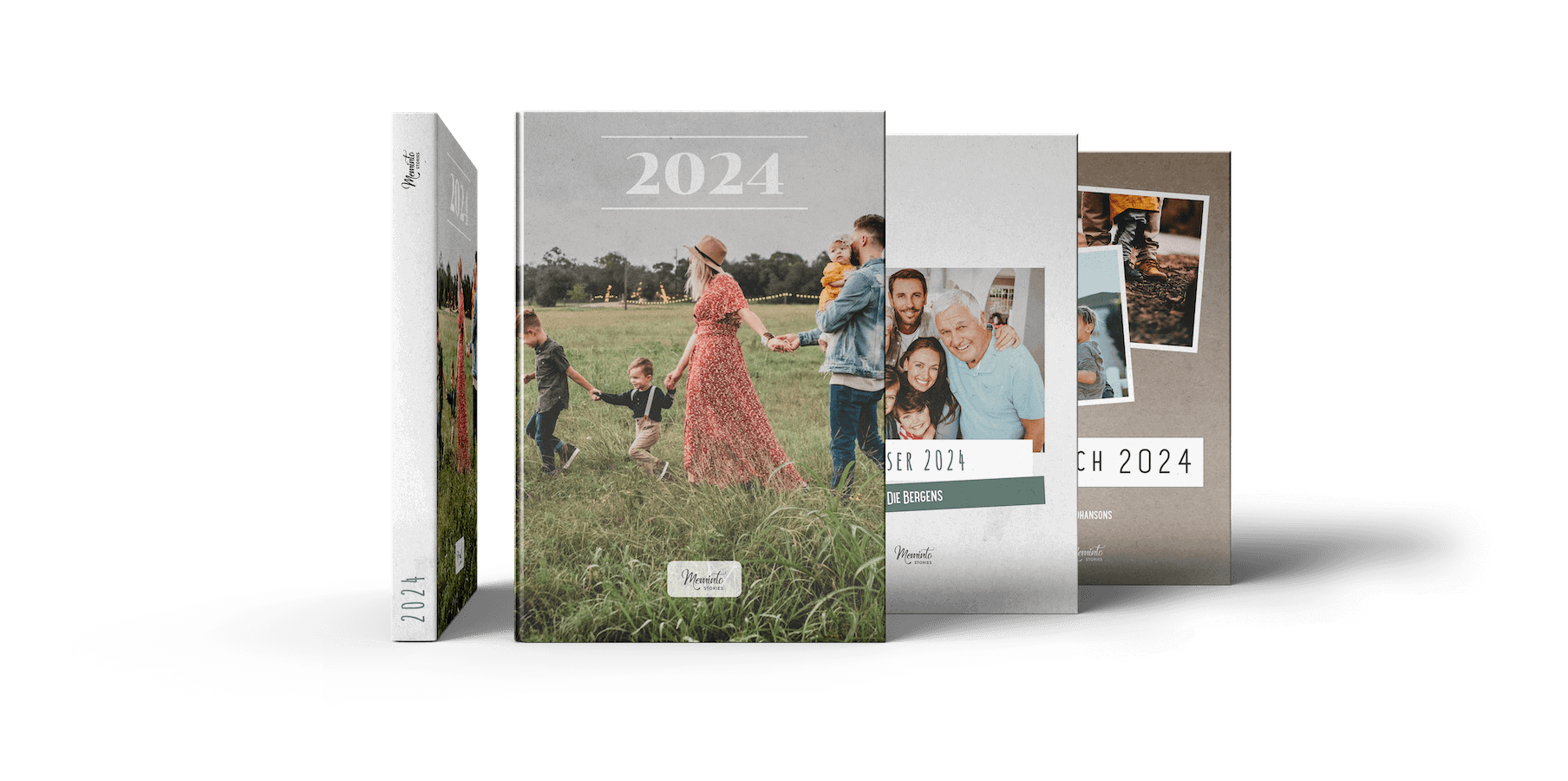
🎨 New: Select book cover directly at the beginning
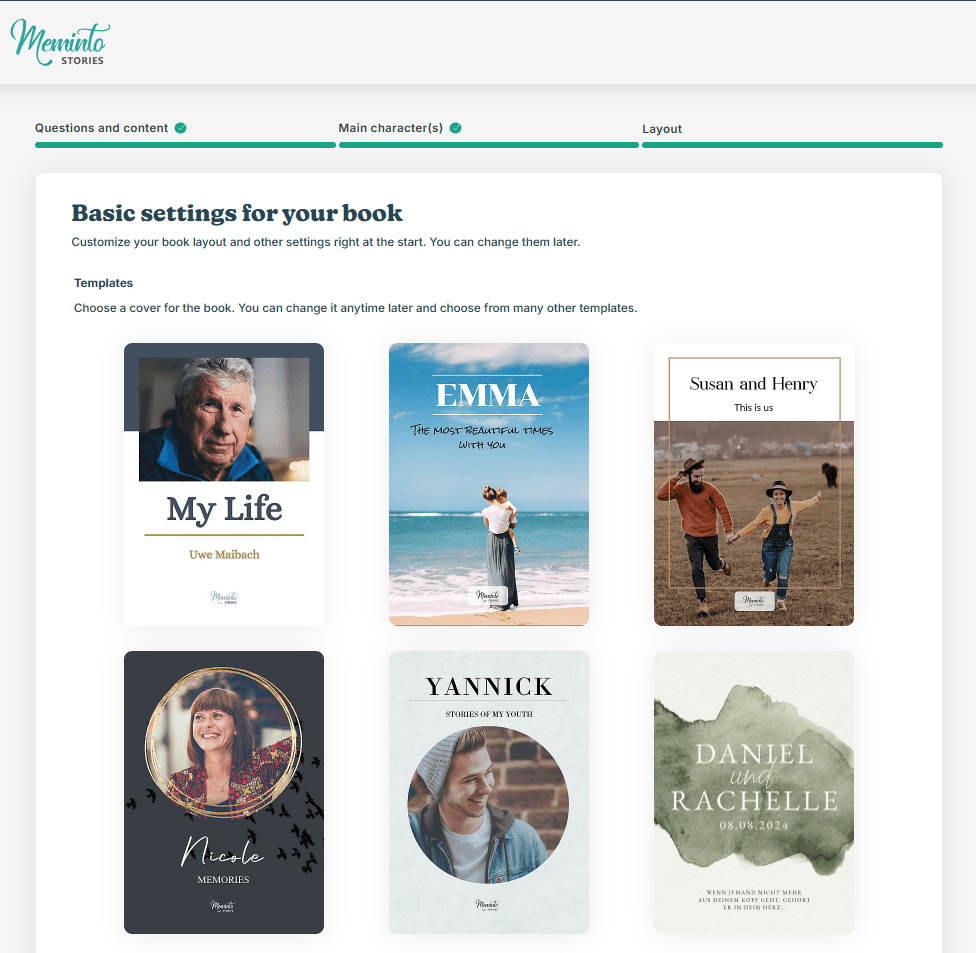
Right from the start of a book project, you can choose from 6 different book covers .
The cover can be adjusted at any time during the creation process or completely changed later – until the final approval of the book.
Improvements in detail
In addition to the new features, we have further improved many existing areas:
- A redesigned error page with a friendly animation
- Numerous optimizations for performance and system stability
- The PIN for the senior-friendly interface is now disabled by default.
- The Meminto AI has been optimized and translation errors have been corrected.
📸 Media library: better overview of your images
Especially with large book projects, a clear overview is crucial. That’s why we’ve expanded the media library:
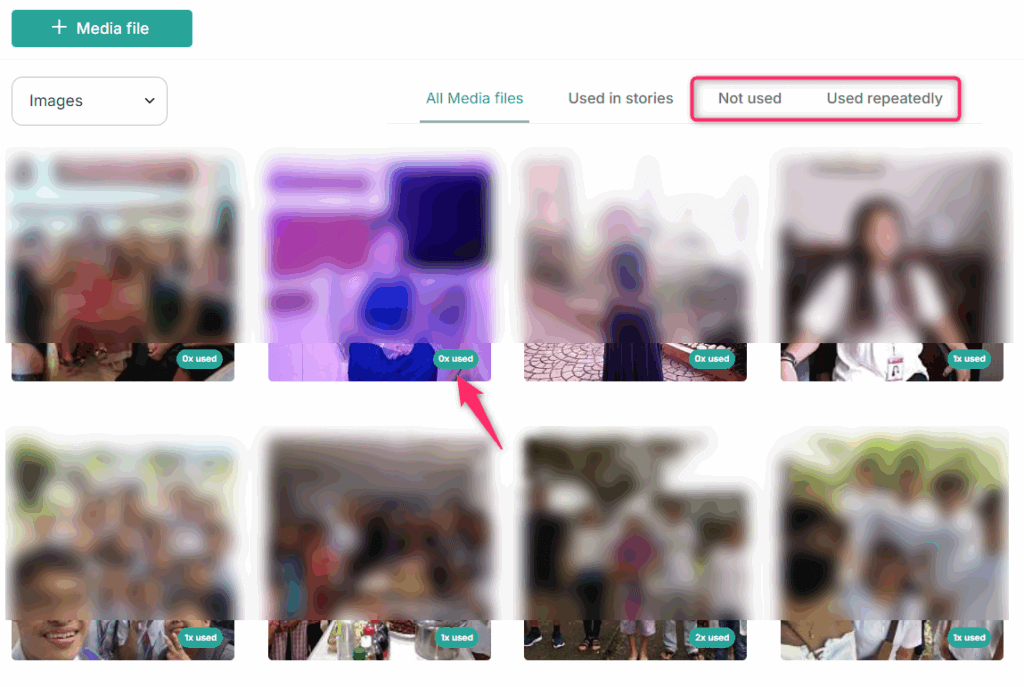
- A new “Unused” tab shows images that have not yet been used in the book.
- Display showing how often an image is used in the book
- Display of the number of images per answer or section
This way you can see at a glance where images are missing, are being used twice, or where there is still room for more.
📚 After the book’s release
After publication, your media library will remain accessible .
However, the book itself is now complete. Changes are only possible if you consciously initiate a revision that creates a new version of the book.
📦 Improved shipping and approval process
To ensure smooth shipping, we have further refined the process:
- Phone number integration in the interview and approval process for dispatch
- A clearer information page after the book has been shipped , so you always know what happens next.
Version 5.1 – made for real stories
Meminto 5.1 brings more clarity, better collaboration and finer tools for what really matters:
capturing memories – together, calmly and with joy.